
Offline Exam Results
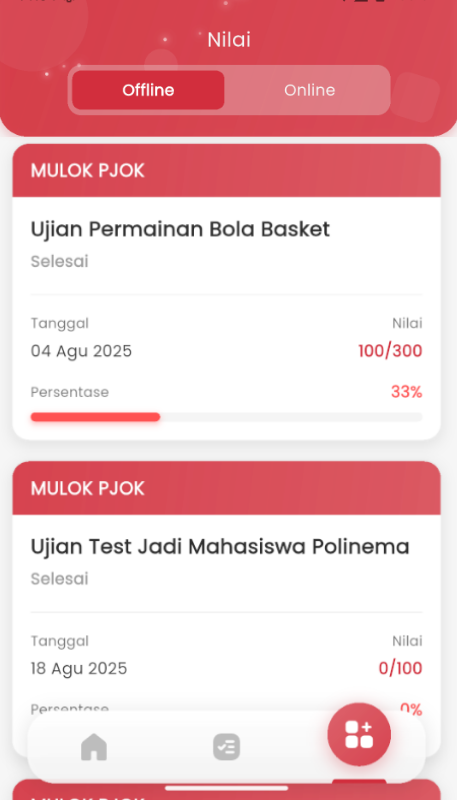
The Offline Exam Results feature allows you to view your written/offline exam results that have been graded by teachers. These results include grades per subject, total score, percentage, grade, and pass/fail status.
Features:
-
View Your Exam Information
At the top of the page, you can see:
- Exam Name - Title of the exam you have taken
- Student Name - Your name
-
Grade Table Per Subject
The table displays detailed grades for each subject tested:
Column Description Sub Subject name with type (T) for Theory or (P) for Practical Marks Score you obtained Total Maximum total score Grade Letter grade (A, B, C, D, E) Example:
- Mathematics (T) - 85 / 100 - A
- Physics (P) - 78 / 100 - B
-
Total Marks Obtained
Card displaying:
- Obtained Marks - Total score you got from all subjects
- Total Marks - Maximum total score from all subjects
- Format: "Obtained Marks : 425/500"
-
Percentage and Grade
Card displaying:
- Grade - Your overall letter grade (A, B, C, D, E)
- Percentage - Percentage of marks you obtained (example: 85.00%)
-
Pass/Fail Status
Round badge at the bottom displaying:
- "Passed" - With green color if you passed
- "Failed" - With red color if you did not pass