
Gallery
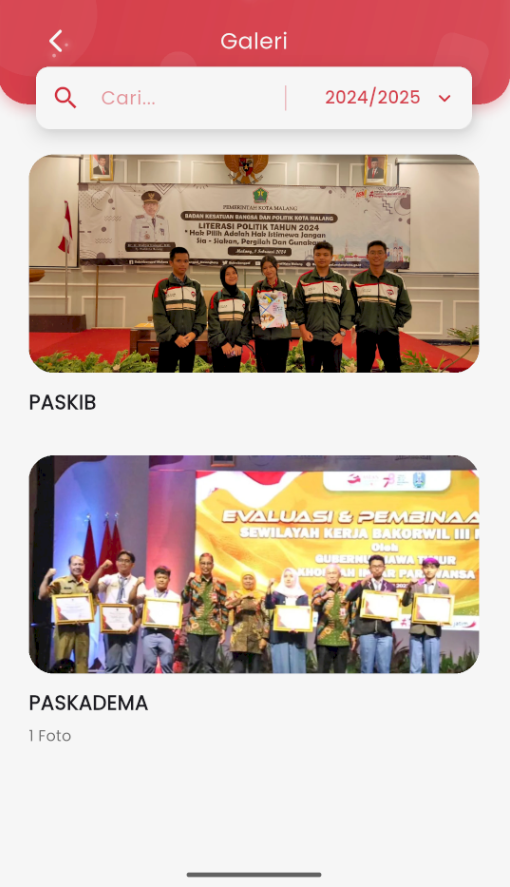
Gallery Page
The Gallery page in eSchool Mobile displays documentation of school activities in the form of photos or videos stored by category and academic year.
Key features on this page:
- Gallery Search
Use the search field to find activity documentation by name or keyword. - Academic Year Filter
Select a specific academic year to display the photo gallery from that period. - Activity Album List
Each activity is displayed in card form with:- Activity title (e.g.: PASKIB, PASKADEMA)
- Thumbnail of the first photo
- Number of photos in the album (if more than one)
- Navigate to Album Details
Tap one of the albums to view all photos inside more completely.
Note: Only specific users (such as school admins) have access to upload or edit gallery content.