
Extracurricular
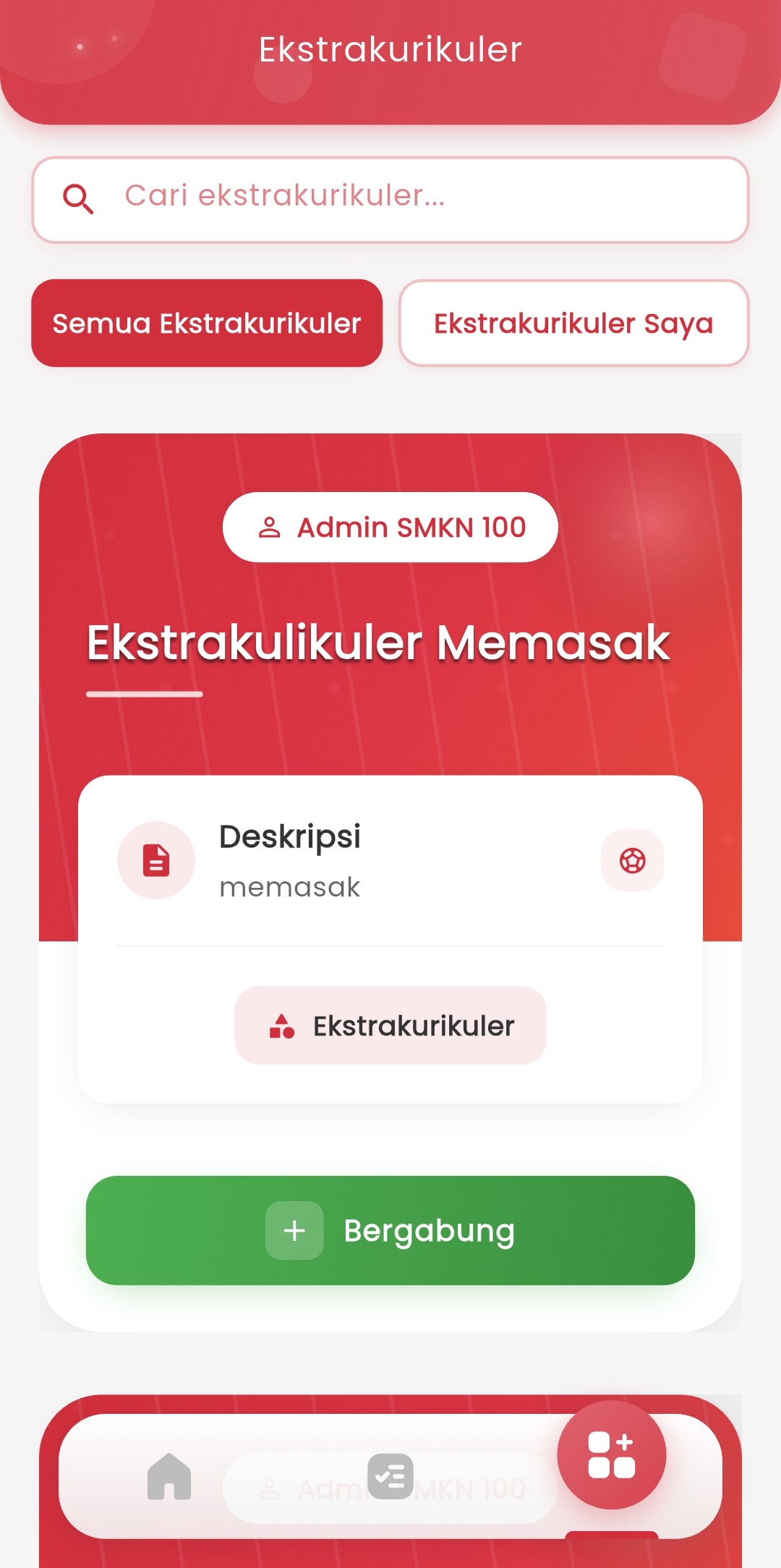
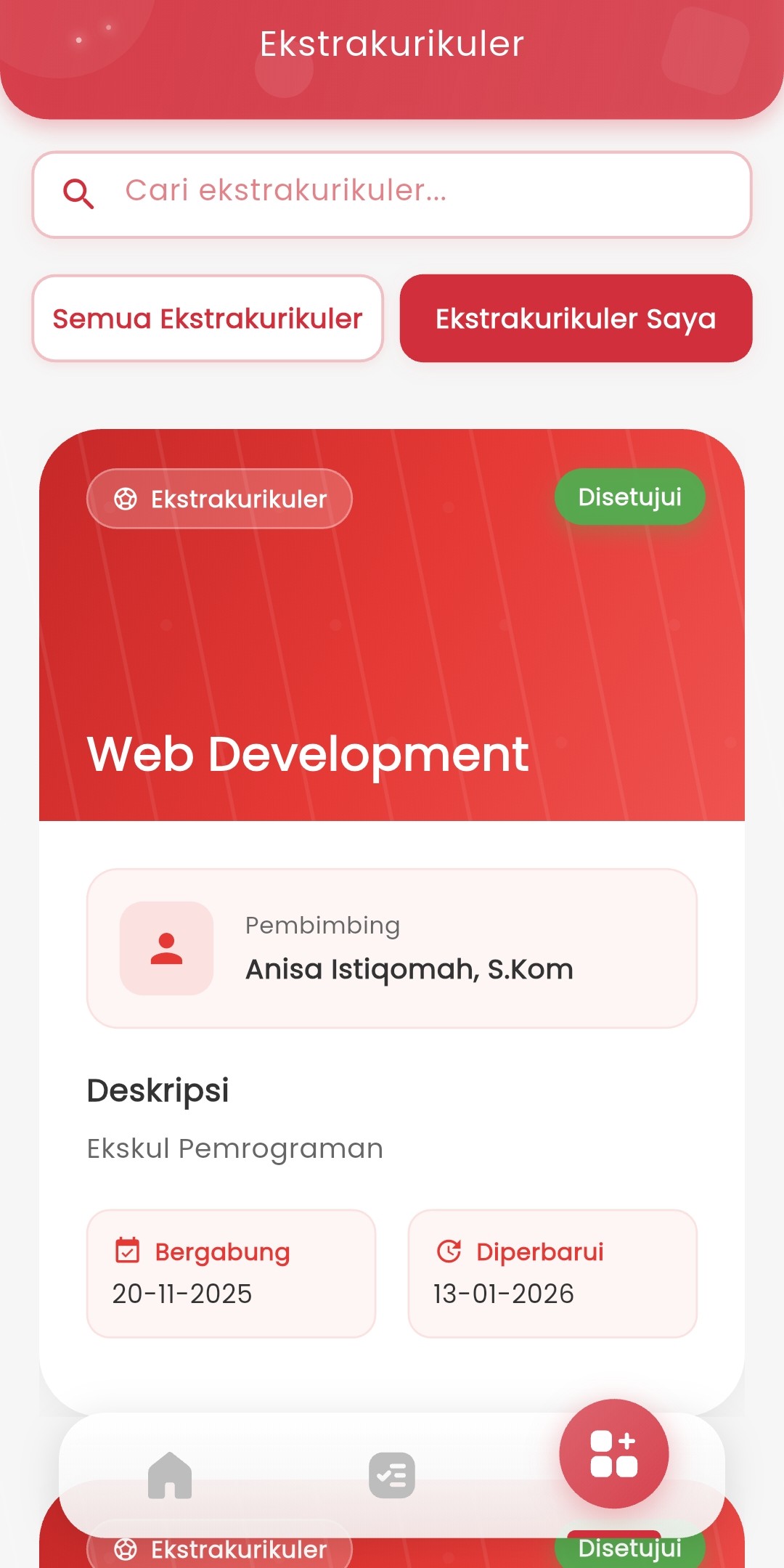
Extracurricular Page – Activity Information and Registration
The Extracurricular Feature allows you to view all extracurricular activities available at school, register for activities you're interested in, and see the list of extracurriculars you've already joined.
Features:
-
View All Extracurriculars
You can see a complete list of all extracurricular activities available at school. Each extracurricular is displayed in a card format containing:
- Extracurricular Name - Activity title
- Instructor Name - Teacher or instructor who guides
- Description - Brief explanation about the activity
- Availability Status - Whether there are still spots available or it's full
-
View Joined Extracurriculars
You can see the list of extracurriculars you've already joined by switching to the "My Extracurriculars" tab. Here you will see:
- All approved extracurriculars
- Your registration status
- Join date
- Instructor information and activity description
-
Search for Extracurriculars
Use the search feature to quickly find the extracurricular you're looking for:
- Tap the search field at the top
- Type the name of the extracurricular you want to find
- Search results will appear automatically
-
Register for Extracurriculars
To register for a new extracurricular:
- Select the extracurricular you're interested in
- Make sure the status shows "Available" (not "Full")
- Tap the green "Join" button
- Wait for registration confirmation
- Status will change to "Pending Approval"
-
Registration Status
After registering, you will see one of the following statuses:
Status Color Meaning Pending Approval 🟠 Orange Your registration is being processed by the school Approved 🔵 Blue Your registration is accepted, you are registered Rejected 🔴 Red Your registration was rejected