
Student Profile
Student Profile
To view detailed student personal information, follow these steps:
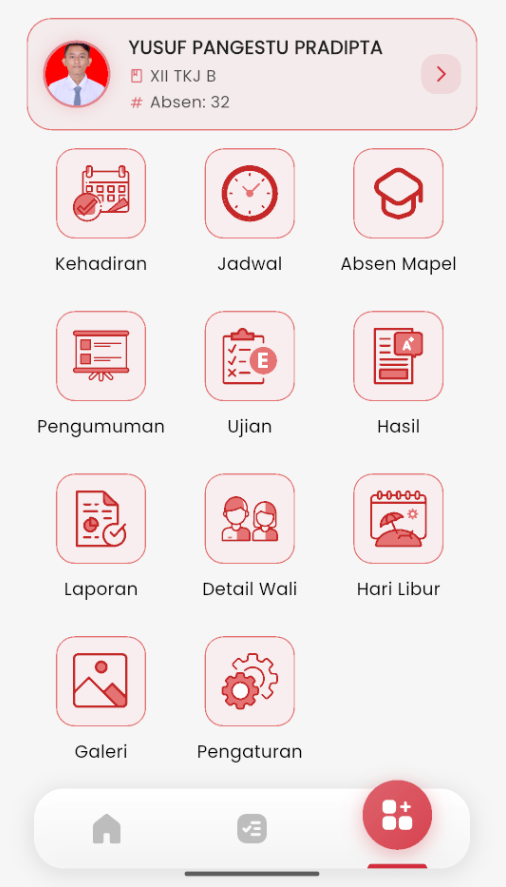
- Open the eSchool Mobile app, then go to the main page.
- At the top, you will see the student identity card complete with name, class, and attendance number.
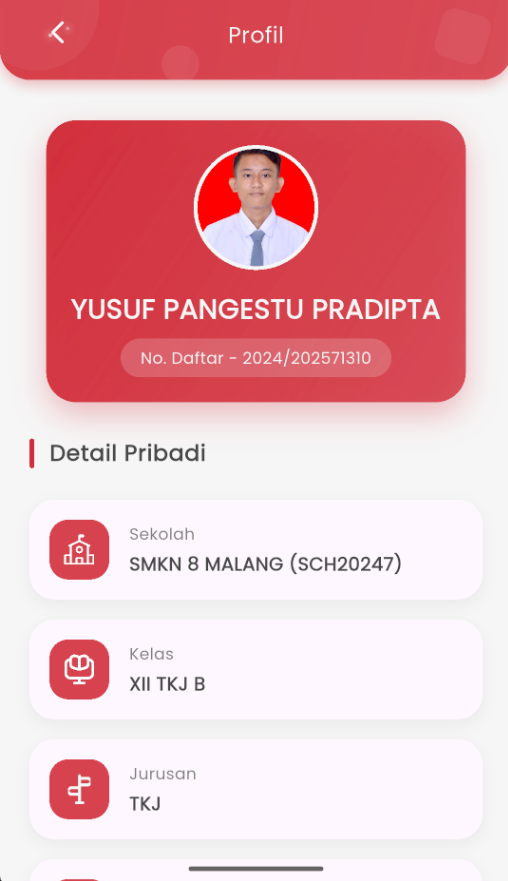
- Tap the right arrow icon (›) on the card to enter the Profile page.
Displayed Information:
- Student Photo and Full Name
- Registration Number (NISN / NIPD) – can be copied with a single tap
- School – school name and code
- Class & Major
- Attendance
- Date of Birth
- Address – when clicked, it will open directly in Google Maps
Note: If there are discrepancies in the data, please report them immediately to the school for updates through the eSchool admin.