
Gallery
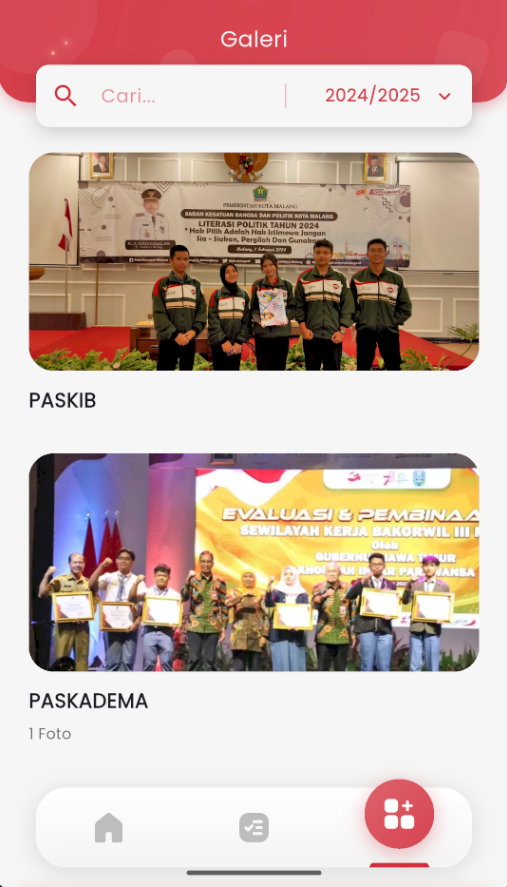
Gallery Page
The Gallery page in eSchool Mobile displays documentation of school activities in photo or video format, stored by category and academic year.
Key features on this page:
- Gallery Search
Use the search field to find activity documentation by name or keyword. - Academic Year Filter
Select a specific academic year to display photo galleries from that period. - Activity Album List
Each activity is displayed in card format with:- Activity title (e.g.: PASKIB, PASKADEMA)
- Thumbnail of the first photo
- Number of photos in the album (if more than one)
- Album Detail Navigation
Tap an album to see all photos inside in more detail.
Note: Only specific users (such as school admins) have access to upload or edit gallery content.