
Reports
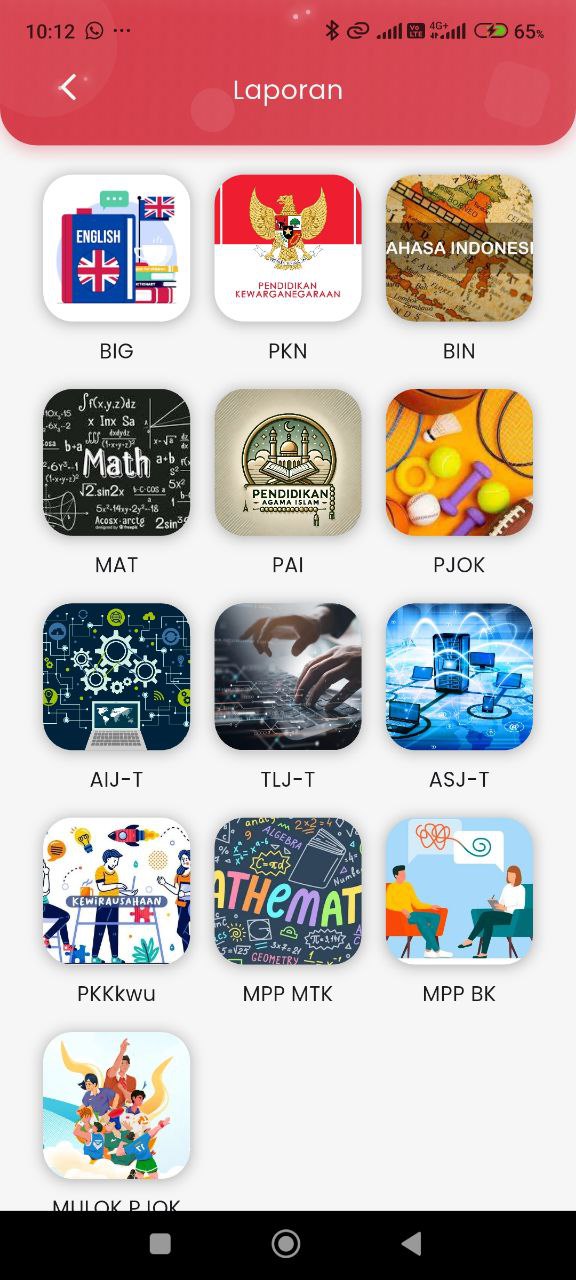
Reports Page – Select Subject
On this page, parents can access their child's academic progress reports based on each subject.
Before viewing detailed reports such as assignments and online exams, parents must select a subject first.
Display Description:
- Each subject is displayed in the form of icon boxes with images accompanied by short subject codes (example: BIG, PKN, BIN, MAT, PJOK).
- The design is arranged in a 3-column grid, making it easy for parents to quickly find subjects.
- The subject list includes all types of study fields, both general and vocational (example: AIJ-T, TLJ-T, PKKKwu, MPP MTK, MPP BK).
Additional Notes:
- This display functions as an initial gateway before entering the detailed report view.
- After a subject is selected, parents will be directed to a specific report page consisting of two main tabs: Assignments and Online Exams.