
Child Attendance
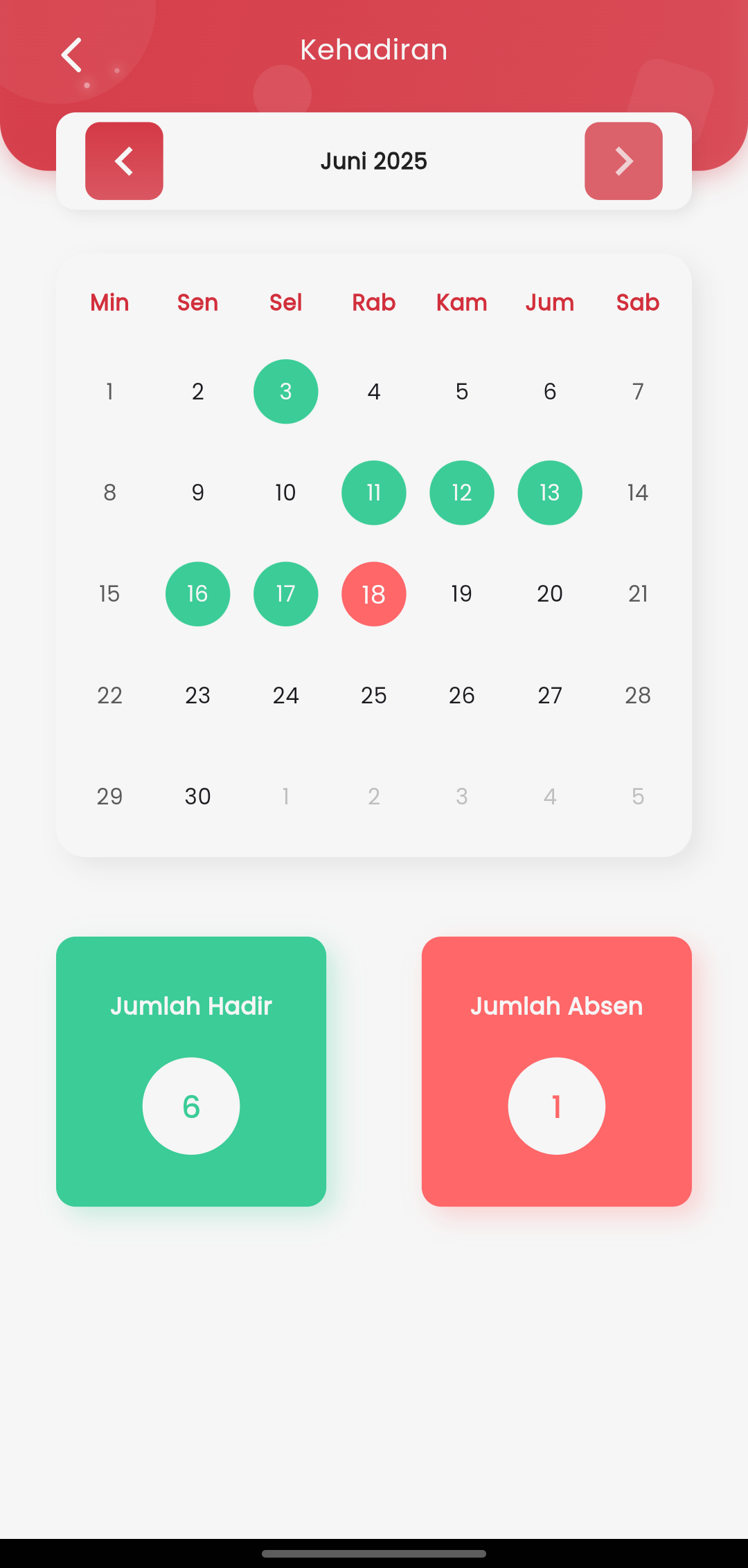
The Attendance page in the eSchool Mobile application for parents displays a child's attendance summary in an intuitive and easy-to-understand calendar format. This feature helps parents monitor their child's learning discipline directly through the application.
Monthly Navigation
Use the right or left arrow icons at the top to switch months and view the complete attendance history of the child.
Calendar View
Each date is displayed in a monthly calendar format. The child's attendance status will be marked with different colors (if available), such as:
- 🟢 Present
- 🔴 Absent
- 🟡 Permit (Excused)
- ⚪️ Not Available
Total Summary
At the bottom of the page, there are two summary boxes:
- Present Count: Total days the child was present in that month.
- Absent Count: Total child absences.
With simple and informative visuals, parents can easily identify their child's attendance patterns and take action if necessary.