
Forgot Password
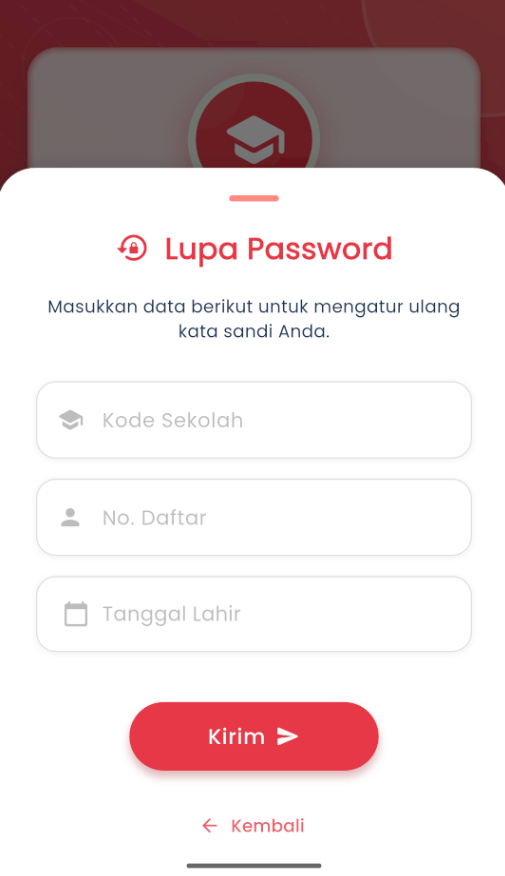
Reset Your eSchool Account Password Easily and Securely
The Forgot Password menu is designed to help users who cannot access their eSchool Mobile account because they forgot their password. The process is fast, secure, and can be done directly from the application.

Password Reset Steps
- Enter the email address registered in the eSchool system in the available field.
- Click the "Send Reset Link" button.
- The system will send a verification link via your email.
- Open the email, then click the link to reset your password.
⚠️ Important to Note
- Ensure you use a valid and registered email address for your eSchool account.
- If you do not find the incoming email, check your Spam or Promotions folder.
- The reset link is only valid for a limited time, so perform the reset process as soon as possible.
Still Having Issues?
If you have not received the email or are having difficulty with the reset process, please contact your school admin or visit the eSchool Help page for further support.